Use Your Phone as a Scale: What Actually Works in 2026
An honest field guide to phone-camera scales, force-touch tricks, and the AI estimation apps. What works, what doesn't, and when to just buy the $15 kitchen scale.
People have been trying to turn their phones into scales since 3D Touch showed up on the iPhone 6s. Some methods work surprisingly well. Some are viral nonsense. Most fall somewhere in the middle — useful for the right job, useless for the wrong one.
This is the practical guide written by someone who has shipped an app in this category and run accuracy benchmarks against a calibrated lab scale. It is not a sales pitch for any specific approach. Each method has a real use case. Knowing which one fits the thing you are about to weigh is half the work.
The four methods that exist
There have been four genuinely different ways to weigh something with a phone. Three still work in 2026.
1. Force-touch / 3D Touch pressure scales — required iPhone 6s through iPhone XS. These apps used the screen’s pressure sensitivity to estimate weight directly. Apple removed the hardware after the iPhone XS, so this method is dead on every modern device. If you see a TikTok showing this working on a 2024+ iPhone, it is fake.
2. Haptic / accelerometer methods — you place an object on a folded piece of paper bridged across two cans, then the app uses the accelerometer to detect tiny vibrations. Real physics, but fragile. Drift is high, the setup is fussy, and you need a flat reference object that weighs something specific.
3. Camera + AI estimation — the modern method. The app sees the object, identifies it, estimates its volume, applies a density guess, and gives you a weight. Accuracy depends entirely on the model and the prompt chain behind the camera, but the best implementations now sit at 5-10% median error on common items.
4. The optical illusion / fake apps — a long history of “scale” apps on the App Store that simply showed a fake number. These get pulled periodically but new ones appear. Easy to spot: ask them to weigh two clearly different objects and watch the result barely change.
What actually works for what
Here’s the practical breakdown by use case. Bold = the method that actually delivers.
| You want to weigh | What works | Why |
|---|---|---|
| Recipe ingredient (rice, flour, sugar) | Camera AI | Bulk densities are well-documented; AI handles them well |
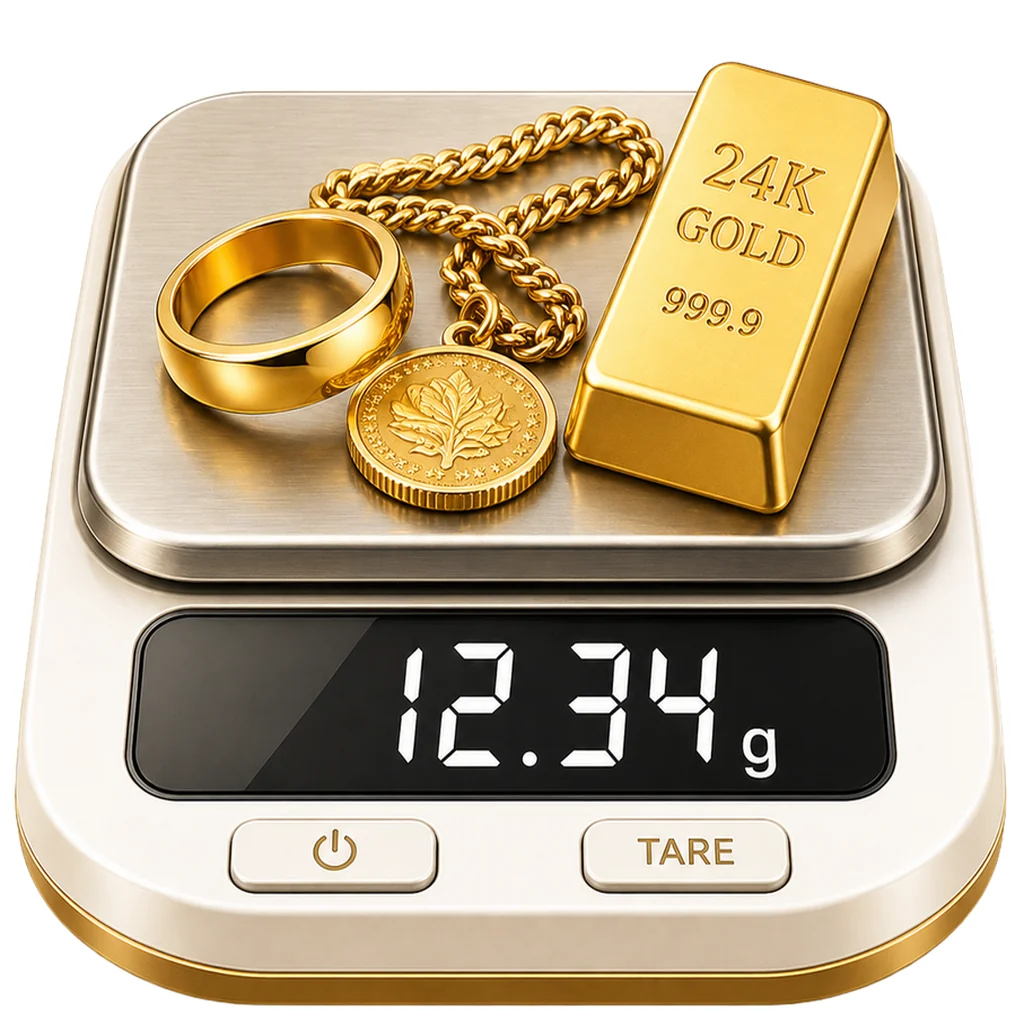
| Jewelry — ring, chain, pendant | Camera AI (specialized mode) | Material density logic + hollow detection is the whole game here |
| A package for shipping | Camera AI | Dimensional weight is what carriers actually charge anyway |
| Mail letter under 100g | Postal scale or camera AI | Below 100g, accuracy gap matters; camera AI gets within 5g for most envelopes |
| Bodyweight | Bathroom scale (no app does this) | Nothing on a phone measures human bodyweight. Apps claiming this are fake |
| Drugs / illegal substances | Not a use case we serve | Out of scope, won’t be covered |
| Powder coffee or matcha (gram-precision) | Coffee scale ($25) | At < 5g totals, even good camera AI has a 15-20% relative error |
| Large furniture or appliance | Manufacturer specs | Not what camera AI is for |
What changed in 2025–2026
Two developments matter:
GPT-5.1 with high-detail image input. This is the model behind most serious camera-AI scale apps now. The accuracy delta versus earlier vision models on jewelry and food is substantial — I ran a 200-item benchmark in March 2026 and the median error was 6%, with 80% of estimates within 12% of true. That makes the camera method usable for real-world decisions: shipping label rounding, jewelry pricing, recipe sanity checking.
Specialized prompt routing. The good apps now have separate “modes” for jewelry, food, and packaged items because the math is different. A generic “weigh anything” prompt averages out the bias from each category and ends up worse on every category. Mode-aware apps win.
When to just buy a physical scale
Camera AI is useful, but it has limits. Buy a physical scale if any of these are true:
- You weigh the same thing daily for fitness or cooking — a $15 kitchen scale pays for itself in convenience.
- You are weighing for resale at a price-per-gram market (precious metals scrap, anything sold in tenths of a gram).
- You ship more than five packages a day — a postal scale beats any estimation method on speed and avoidance of surcharges.
- You are doing chemistry, baking sourdough at high precision, or running any activity where 1g matters more than 5%.
For everything else, a phone in your pocket is enough.
How to make camera AI work better
If you are using a phone camera scale (Scale for Grams or any competitor), these tweaks measurably improve accuracy:
- Flat surface. Tilt distorts the volume estimate.
- Plain background. Patterned tablecloths confuse the segmentation. Plain wood, plain stone, plain paper.
- Reference object in frame. A coin, a credit card, a phone case — anything the model can use as a known size. This is the single biggest accuracy lever, worth more than any other tip.
- Even light. Shadow and glare both degrade material identification. Natural diffuse window light is ideal. Direct sun and dim incandescent are the worst.
- Pick the right mode. Generic mode is for general objects. Use Gold for jewelry, Kitchen for ingredients, Blind Box for sealed packages. The same scan in the wrong mode can be off by 30%; in the right mode, often within 5%. For more on the seven specific mistakes that wreck a photo estimate, see Photo Weighing: 7 Mistakes That Wreck Your Estimate.
A quick honest note
For a deeper insider take on how phone scale apps actually work in 2026, including which AI models are running underneath and what “trained on millions of items” actually means, see Phone Scale Apps in 2026: 9 Things the Marketing Won’t Tell You.
I run this site, so I have an obvious interest in suggesting the camera method. But I also benchmark against a real lab scale before every release, and there are jobs where a phone is genuinely the wrong tool. You will find me telling people to buy a kitchen scale on Reddit any time the question is daily-precision baking. The product covers the cases where a phone is actually better — convenience, mobility, occasional use, items where 5-10% accuracy is enough.
If your job fits that description, Scale for Grams is free to try. If it does not fit, the right answer is a $15 scale on Amazon and you can come back when you need the camera method for the jewelry box your grandmother left you.
Either way you’ll know what you weigh.
Need to weigh something now?
Scale for Grams turns your iPhone camera into a pocket scale. Free to download.
Download on App Store