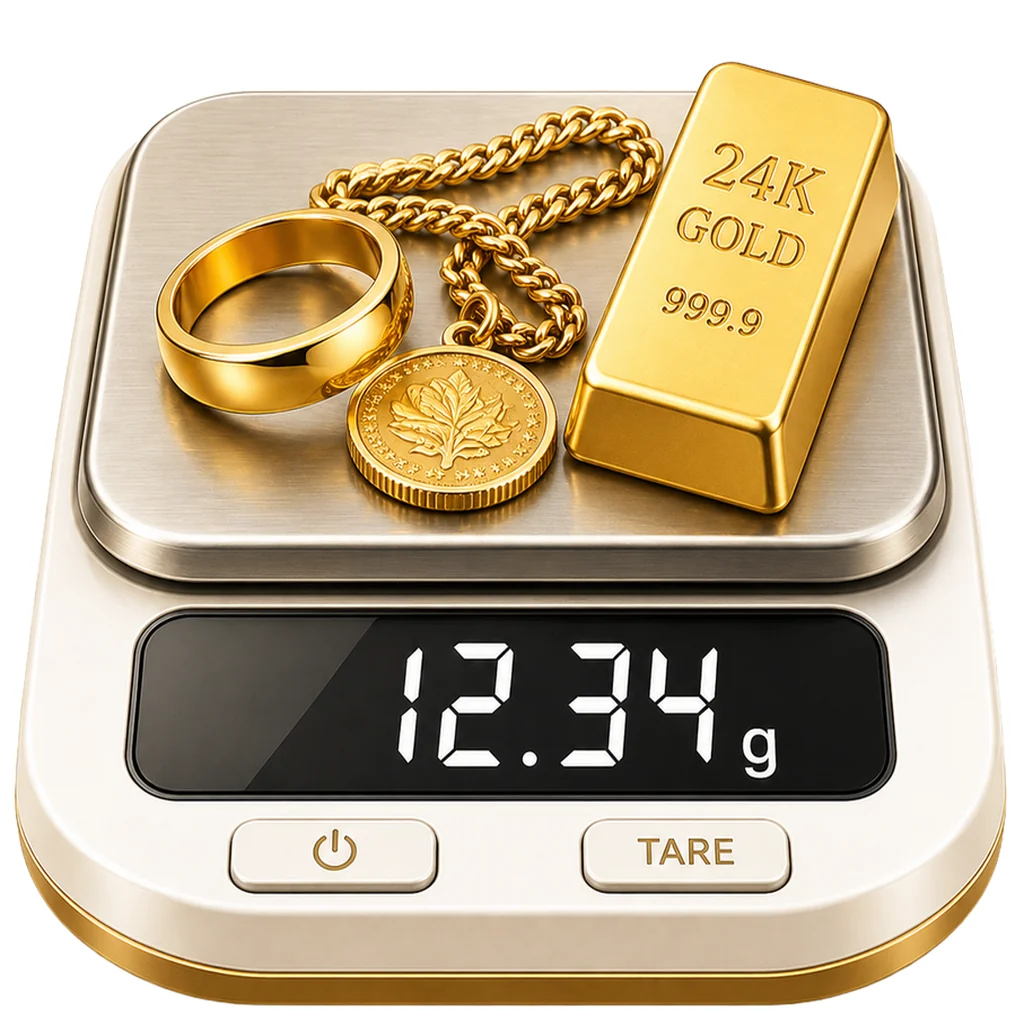
Weigh anything with just a photo
Scale for Grams turns your iPhone camera into a pocket scale. Snap a photo, get the weight in grams, kg, oz, or lb in seconds.
Three steps to weigh anything
No setup, no calibration. Just point your phone at the object.
Photograph your object
Place the item on a flat surface and frame it inside the gold viewfinder.
We analyze the image
Our vision model identifies the object, its volume, and its likely material.
Get instant results
See the weight in your preferred unit, save it to history, or scan again.
Why Scale for Grams?
Built by the team behind the original phone-scale app, rebuilt from the ground up.
Instant Weight Scans
Point, snap, and get a gram estimate in under two seconds.
High Precision
Trained on thousands of household, kitchen, and jewelry items for accurate estimates.
Multiple Units
Switch instantly between grams, kilograms, ounces, and pounds.
Photo Analysis
Identifies the object automatically. No setup, no calibration.
Privacy First
No accounts, no cloud history of your photos. Scans stay on your device.
Scan History
Keep a clean record of every scan, with thumbnails and units saved.
See the app in action
Real screens, real results. The four modes and history view as they appear in the app.
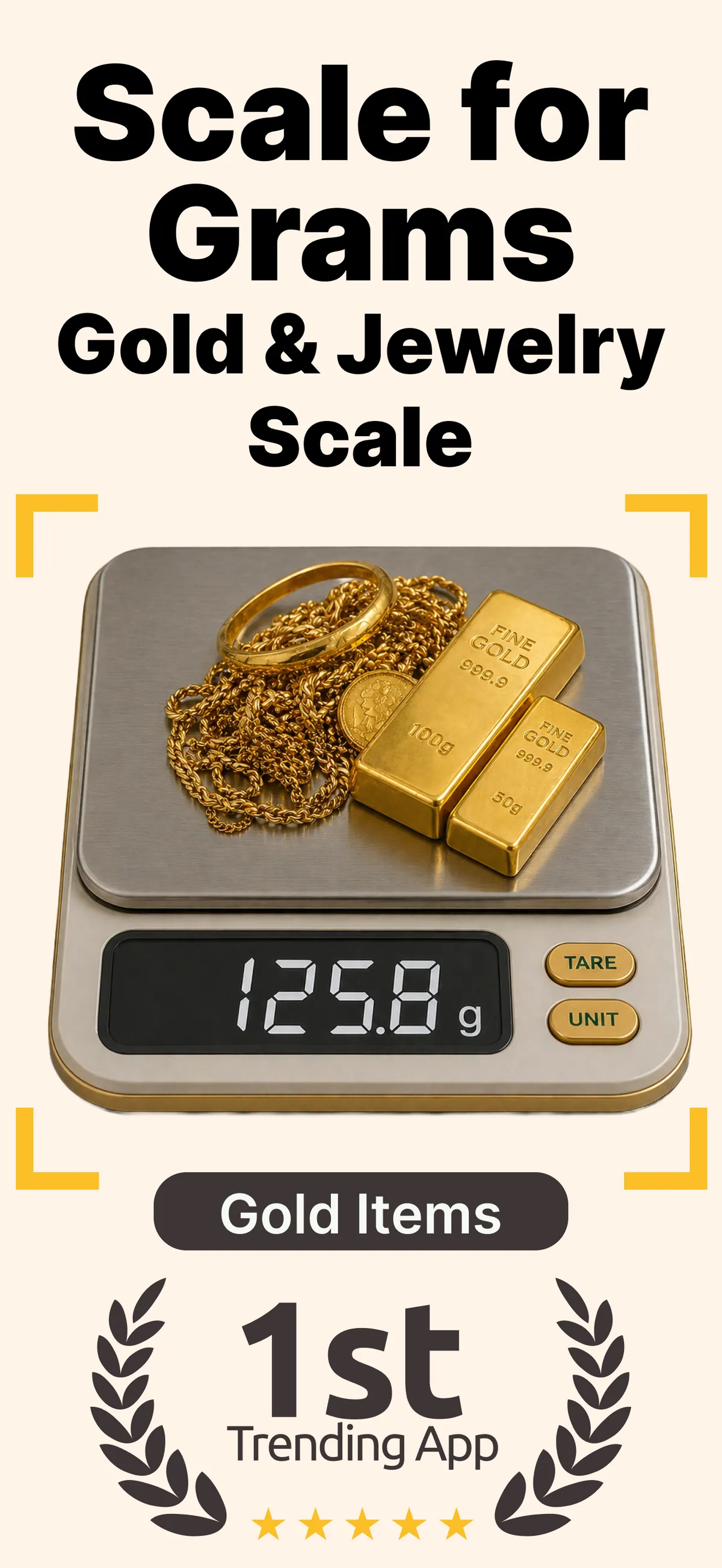
Gold & jewelry scale
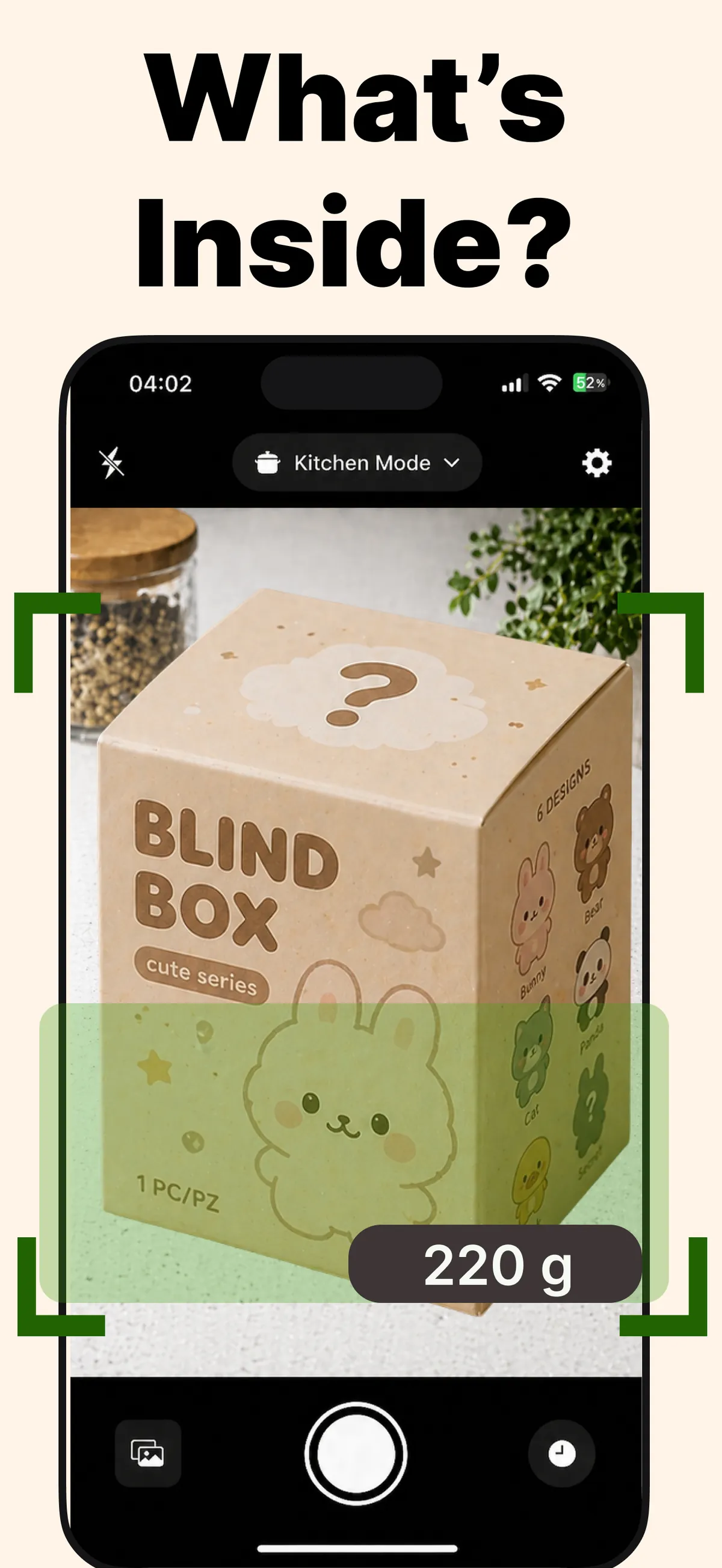
Blind box weigh-in
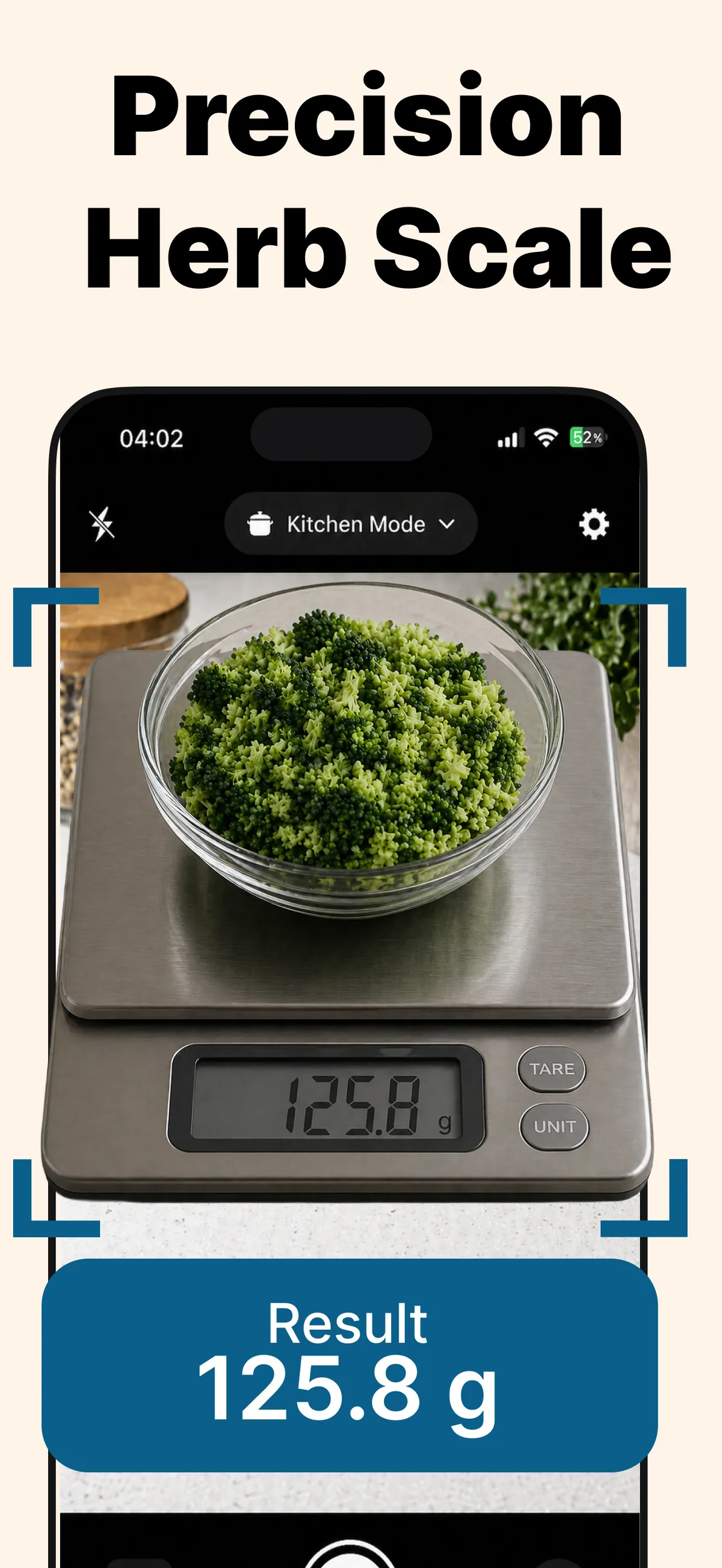
Precision herb scale
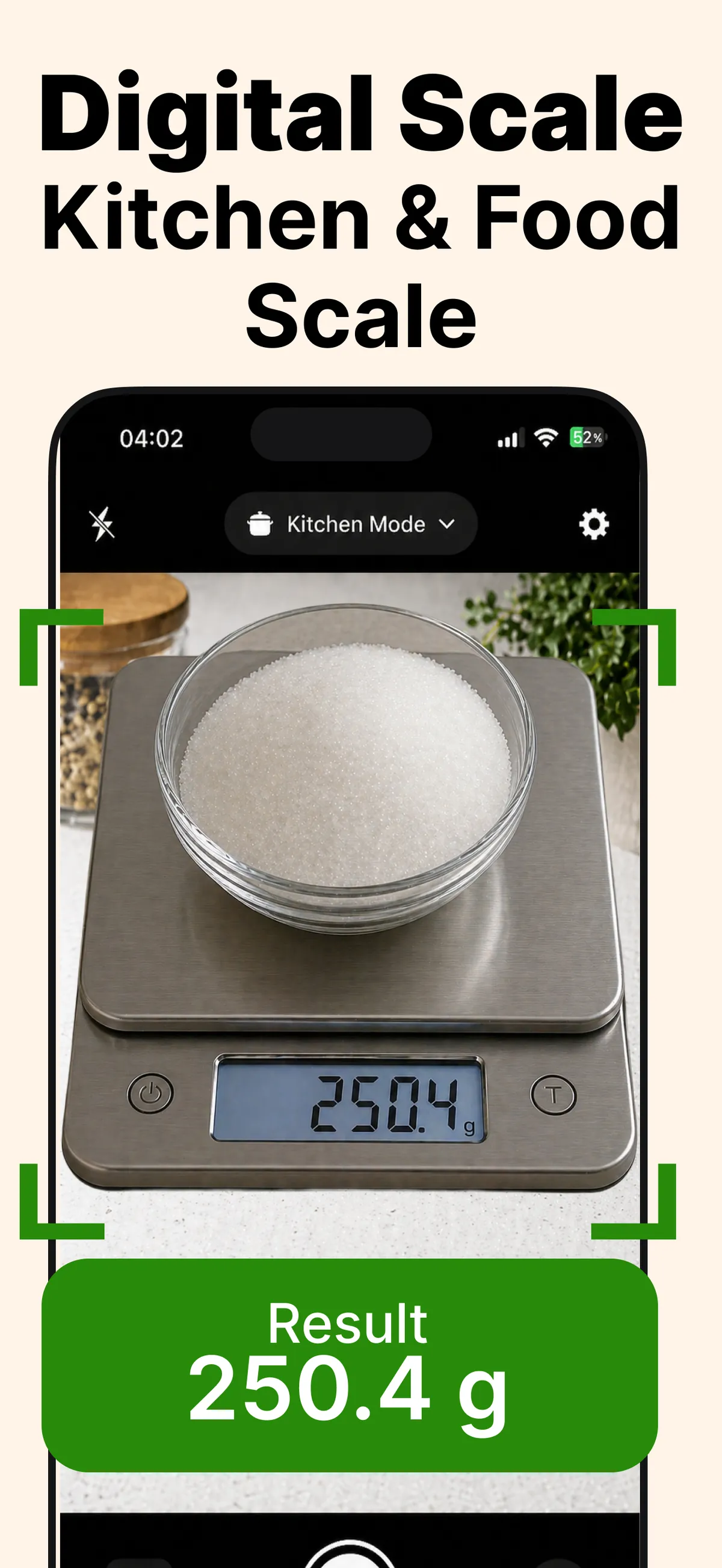
Kitchen & food scale
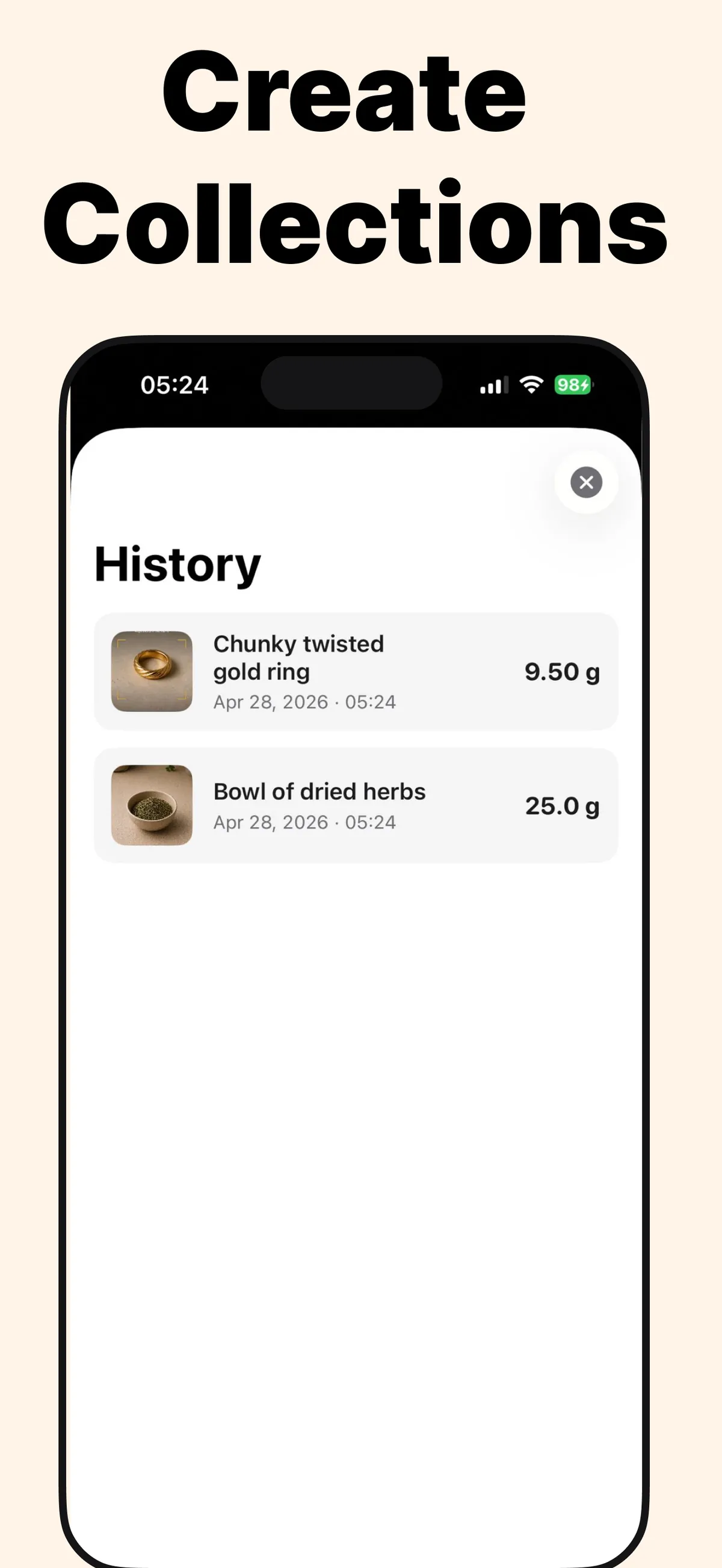
Scan history
Four scales in one app
Pick the mode that matches what you're weighing for sharper accuracy.
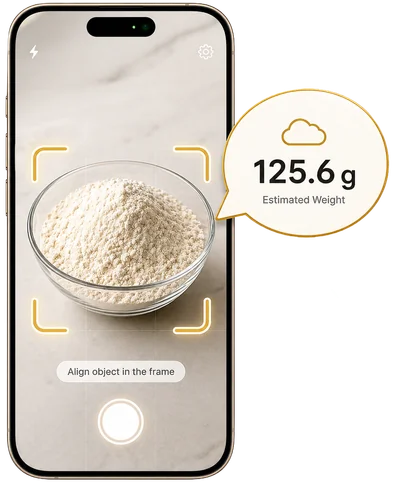
Everyday objects
Coins, packages, household items, anything else that fits in frame.
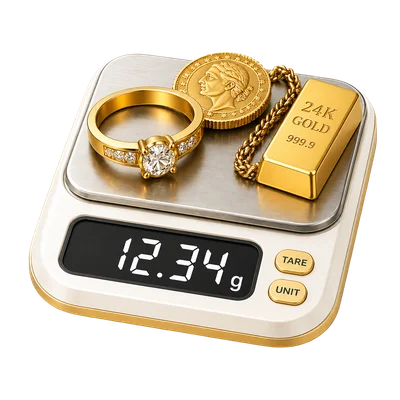
Jewelry & precious metals
Rings, chains, bracelets, coins. Optimized for hollow vs. solid construction.
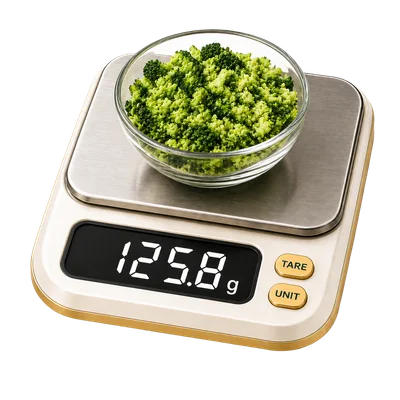
Food & ingredients
Spices, herbs, powders, portions. Tuned for fine granular materials.
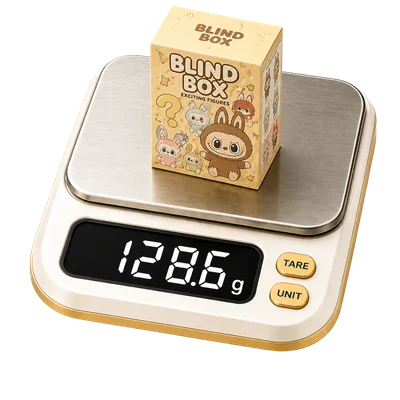
Mystery boxes & figures
Pop Mart, Sonny Angel, Labubu. Weigh before you unbox.
What our users say
"I price my pieces by gram weight. Scale for Grams gets me close enough to list confidently before my postal scale ships."
"I left my kitchen scale at my parents'. This app saved my sourdough hydration math more than once."
"Use it daily to estimate shipping weight before I print labels. Has paid for itself in postage adjustments avoided."
About Scale for Grams
Scale for Grams was originally launched as one of the first phone-scale apps in the App Store and reached the top of its category for years before being acquired. After the acquiring company's account was closed, the original creator regained the rights and rebuilt the product from scratch in 2026 — same idea, faster engine, more modes.
We are independent and built by a small team that ships from Türkiye.
Frequently asked questions
How does Scale for Grams work? +
You photograph an object on a flat surface and our vision AI estimates its weight from visual cues like dimensions, material, and reference points in the frame. The result appears in your preferred unit within seconds.
Is it free to use? +
Yes. The app is free to download and includes free scans every day. Premium unlocks unlimited scans and the specialized Gold, Kitchen, and Blind Box modes.
What objects can I weigh? +
Most household items, jewelry, kitchen ingredients, packaging, collectibles, and small everyday objects. Very large or very heavy items, and objects without a clear reference for scale, may produce lower-confidence estimates.
How accurate is the estimation? +
It is an estimate, not a replacement for a calibrated physical scale. Most household and jewelry items land within a useful range for shopping, shipping, and recipe decisions. The app shows a confidence level with every result.
What units are supported? +
Grams, kilograms, ounces, and pounds. You can switch the default unit at any time in Settings.
Get unlimited scans
Free to download. Premium unlocks unlimited scans and all four specialized modes.
Download on App Store